
TODAY
Your morning, in focus.
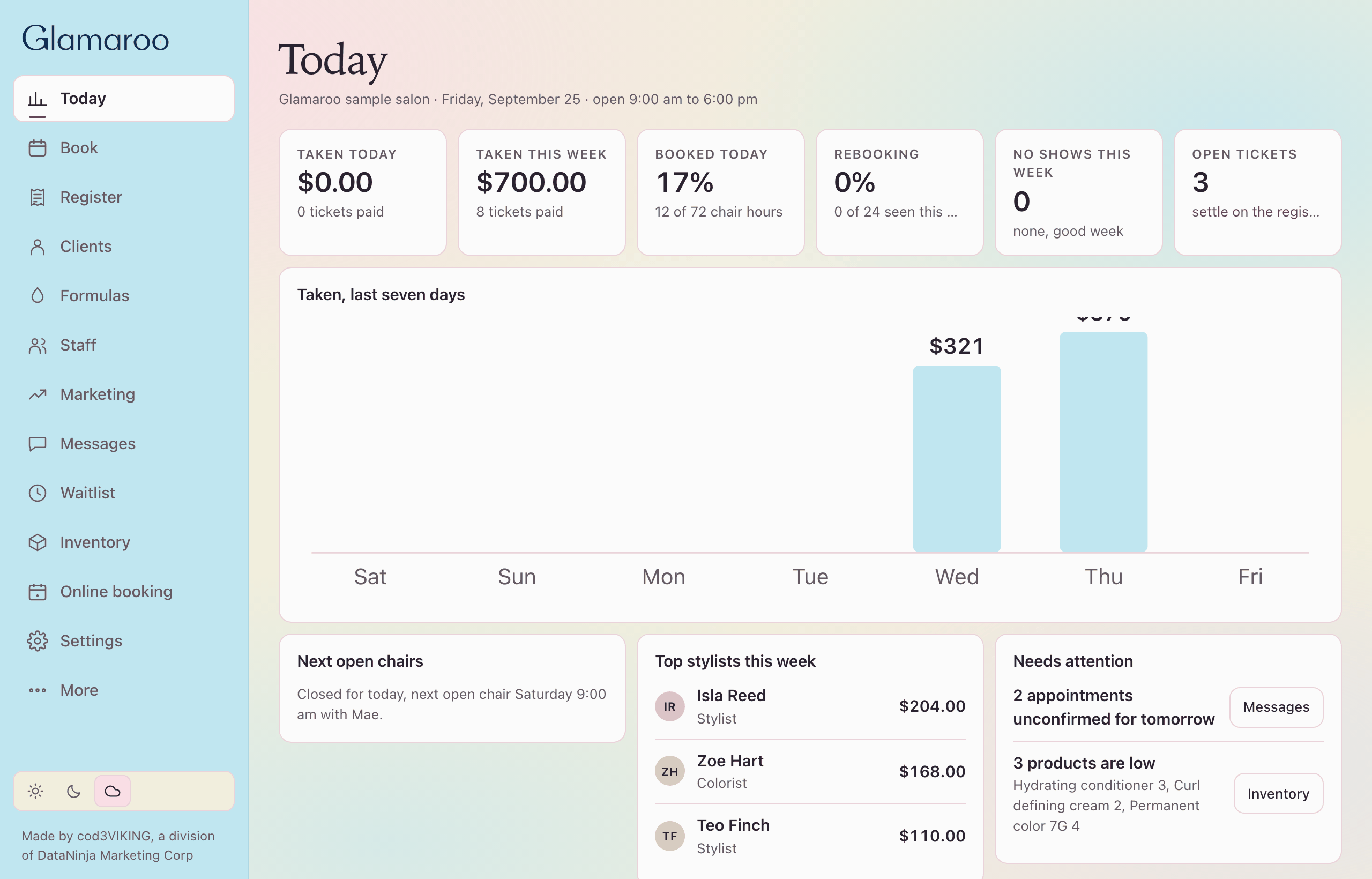
See booked chair hours, open tickets and the day's activity together. Start with the pulse of the salon, then move into the Book or register for the detail.
booked todayopen tickets
FEATURES
Welcome the guest, find the right time, keep the visit moving and finish the ticket. Give your front desk one clear place for the details of a busy salon day.
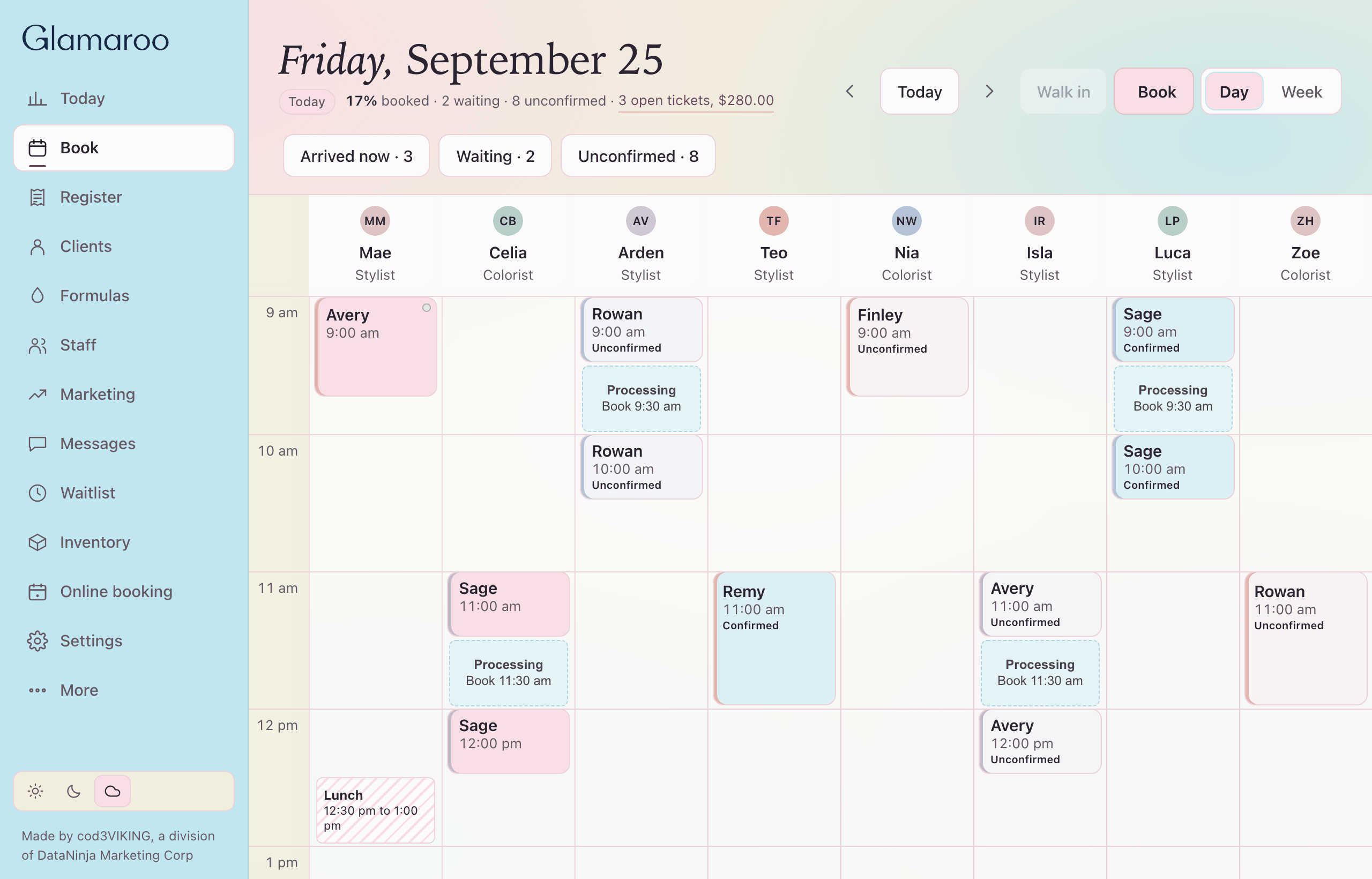
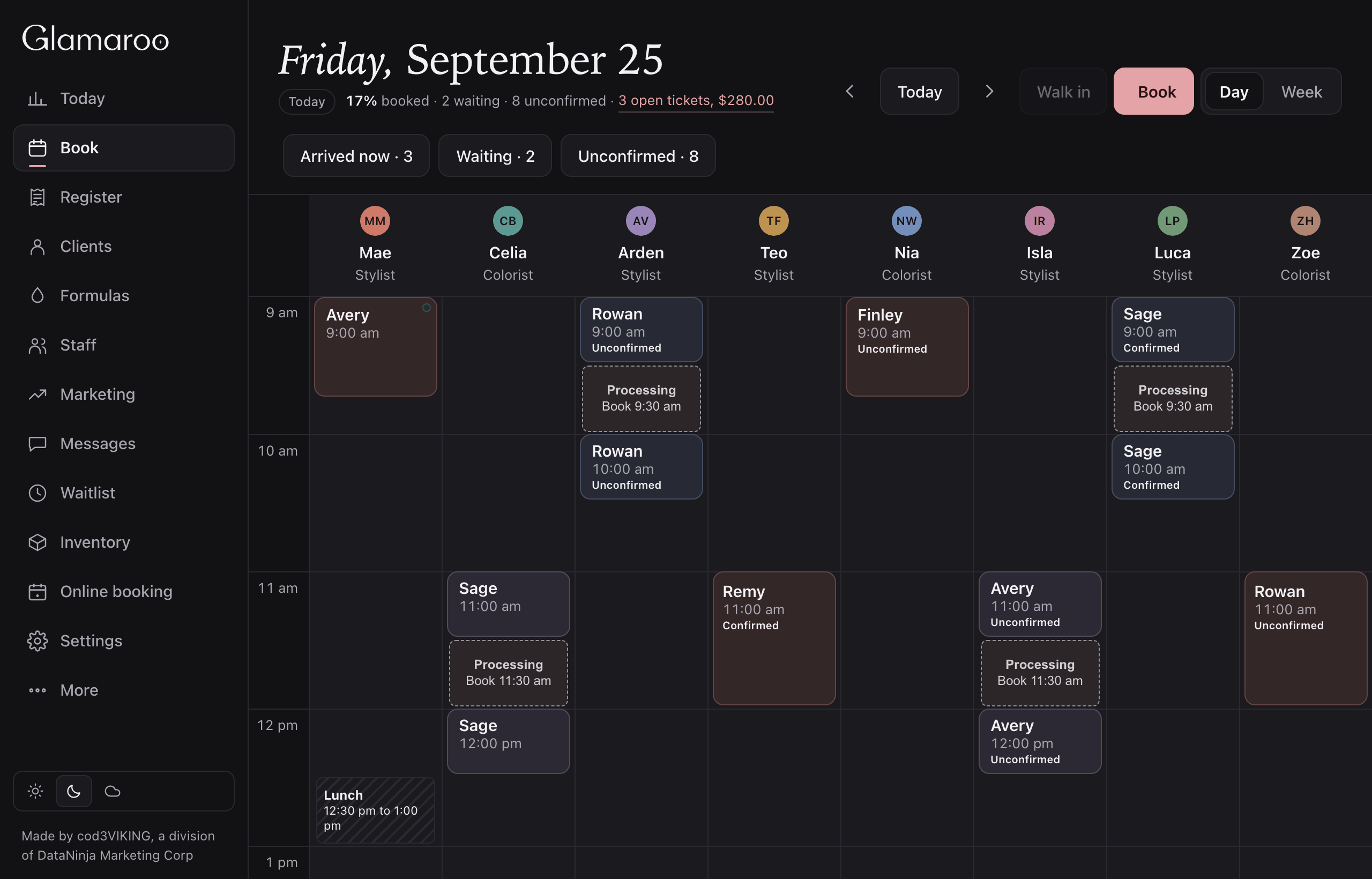
The day on chairs. Color visits draw a processing gap so the chair is free while color processes.
Drag a visit to a new time or another stylist. It lands only where that stylist is available.
drag to move walk in confirmed chips process gap
Sample salon.
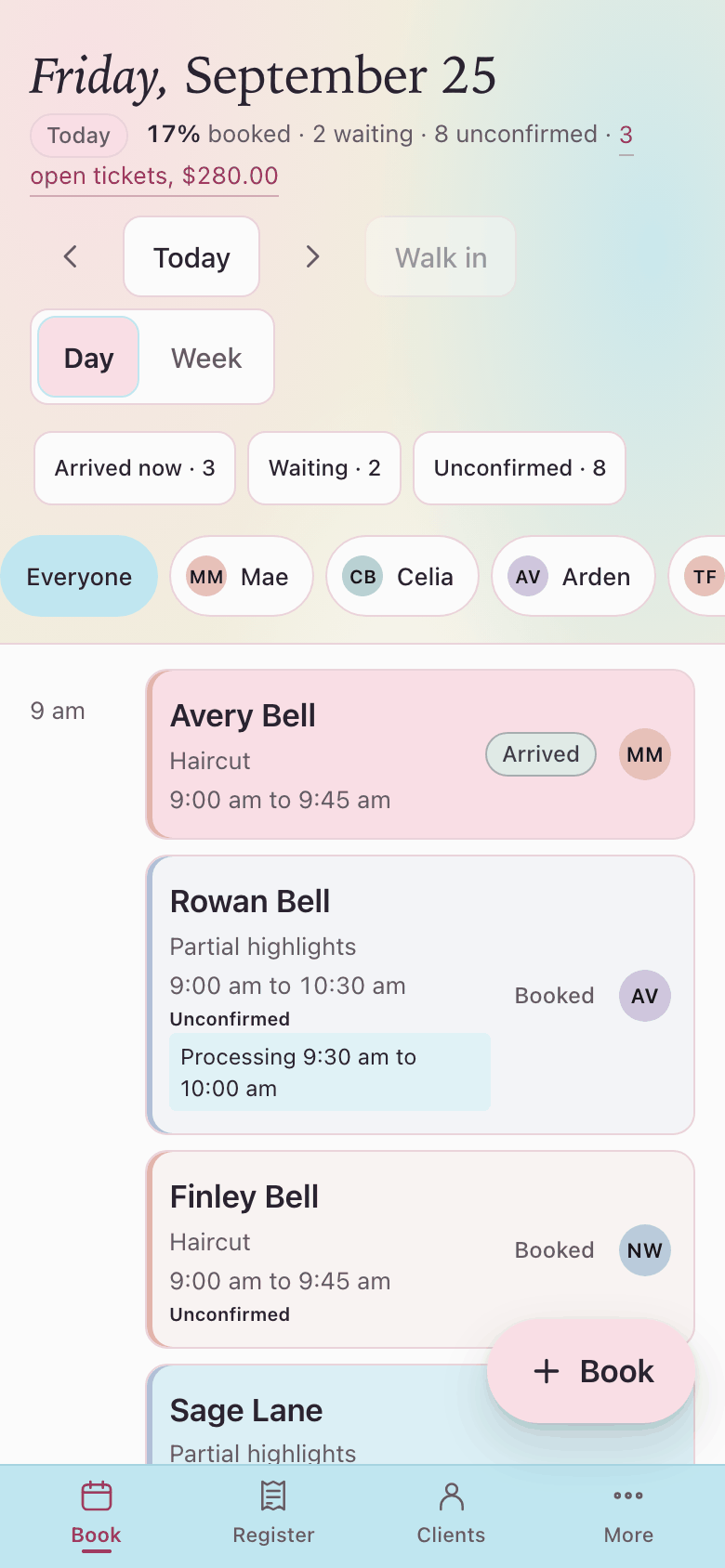
Guests pick a stylist and a time you actually have. What they book is the Book you already run.
There is no second calendar. The phone shows the same availability you work from.
same availability phone first waitlist no second calendar
Sample salon.
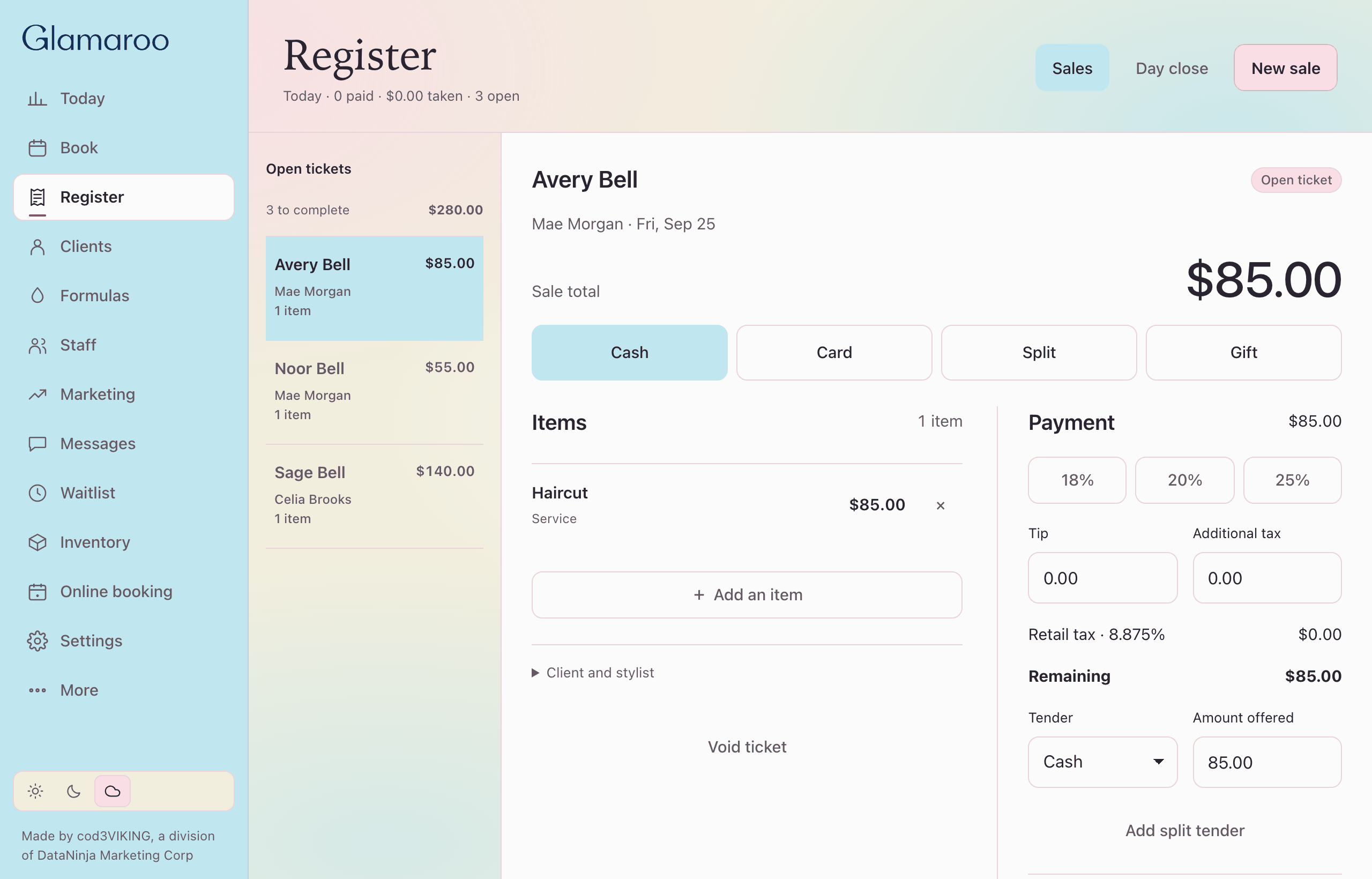
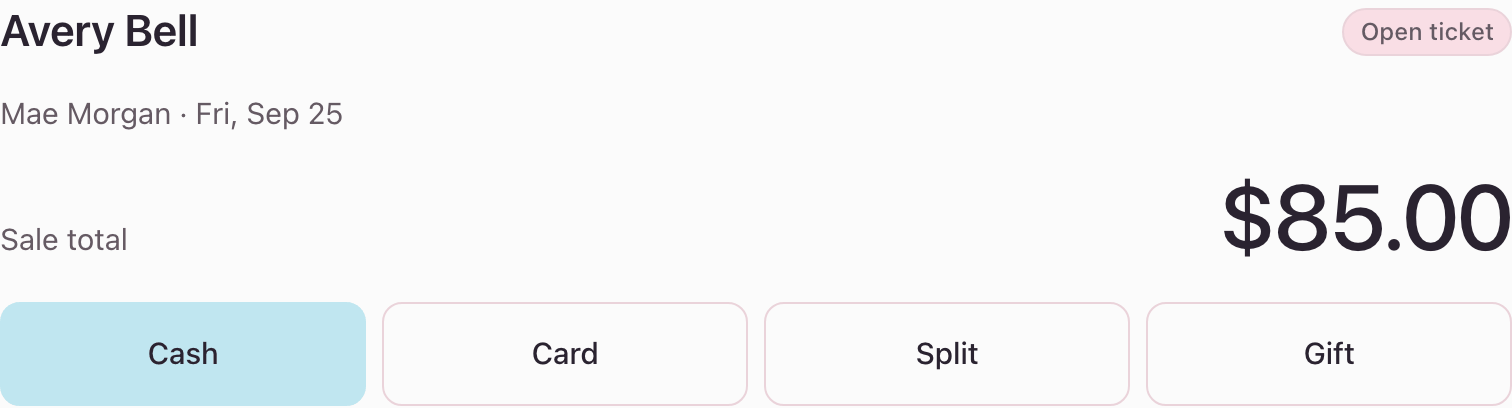
Build a ticket from the visit. Read the total. Gift cards and day close live here.
Take cash, redeem a gift card, or split the ticket. Keep the visit and its checkout together.
tickets gift cards day close cash
Sample salon.
Pull up the guest's notes and visits before the conversation starts. Give the front desk useful context without asking the client to explain everything again.
A PIN and a role decide what each team member can open. Choose light or dark to suit the way your desk works.
notes visits PIN roles light and dark

Sample salon.
Sample salon in dark.
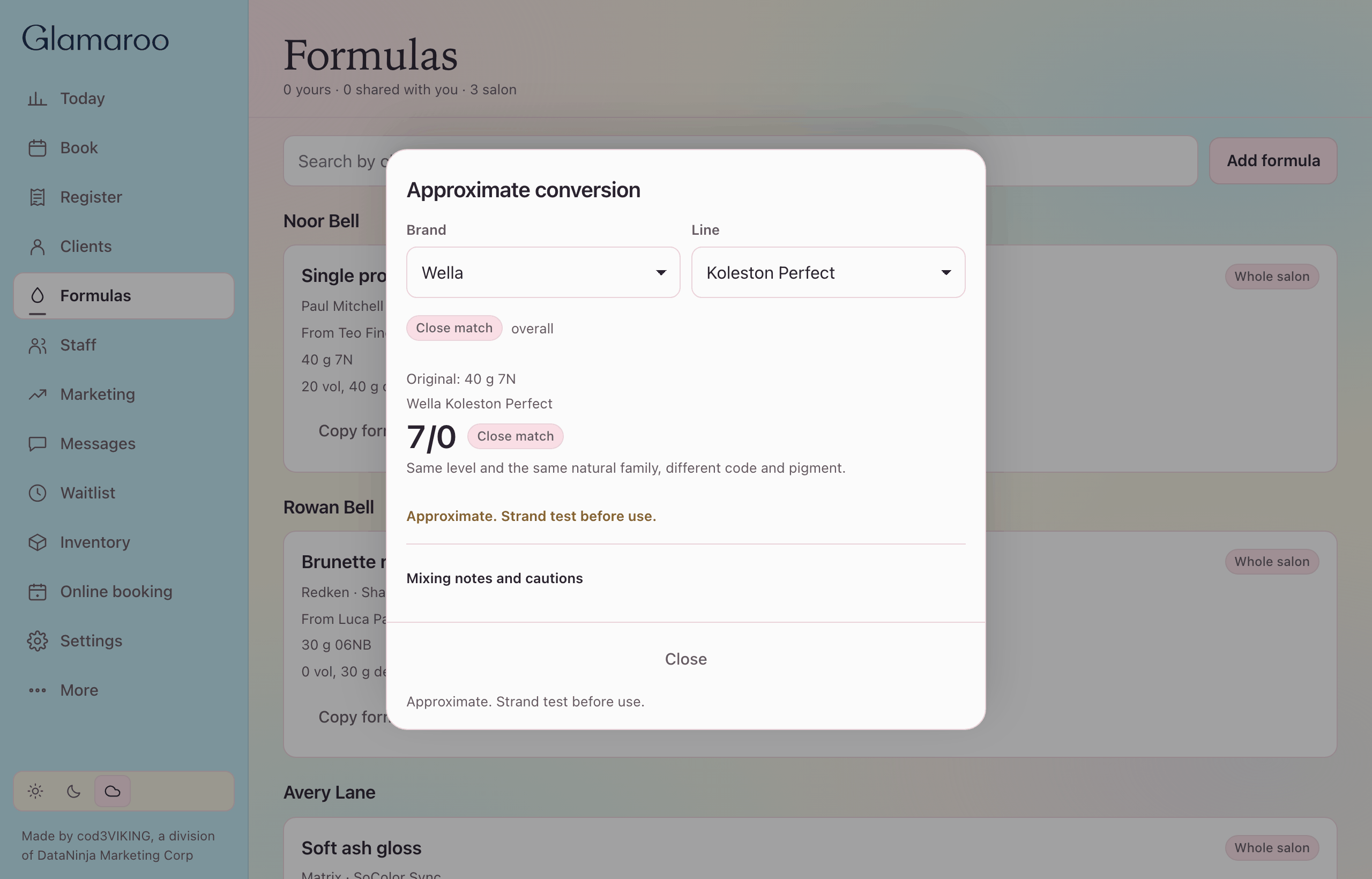
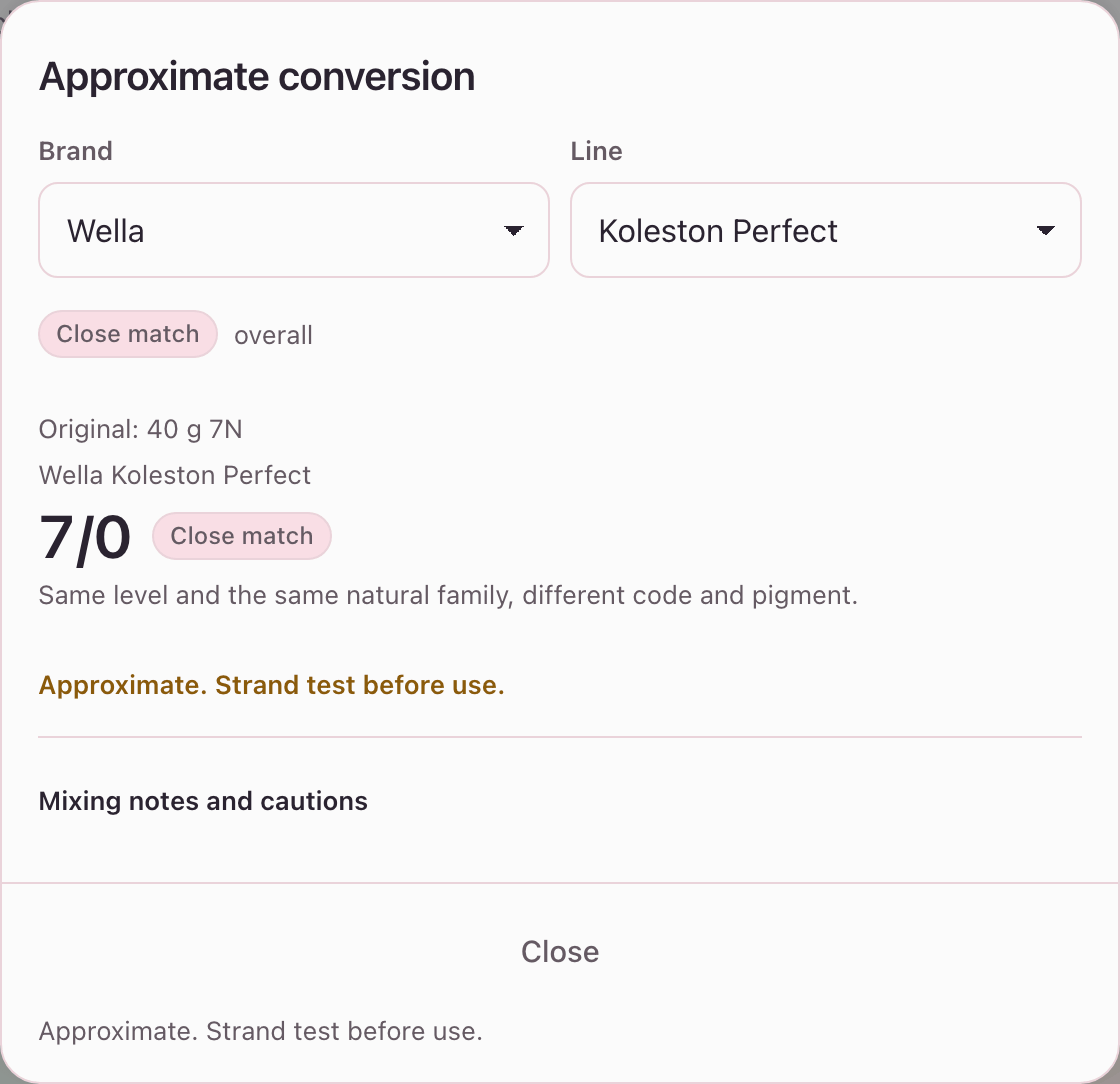
Keep saved mixes, notes and cautions together. Use the converter when you change color lines, with results clearly marked approximate.
Strand test before you apply. See color formulas.
saved mixes converter sharing notes
Sample salon.
Automations and campaigns, with consent on file. Build the reminder around the appointment, and review the message and channel together.
automations campaigns consent channels
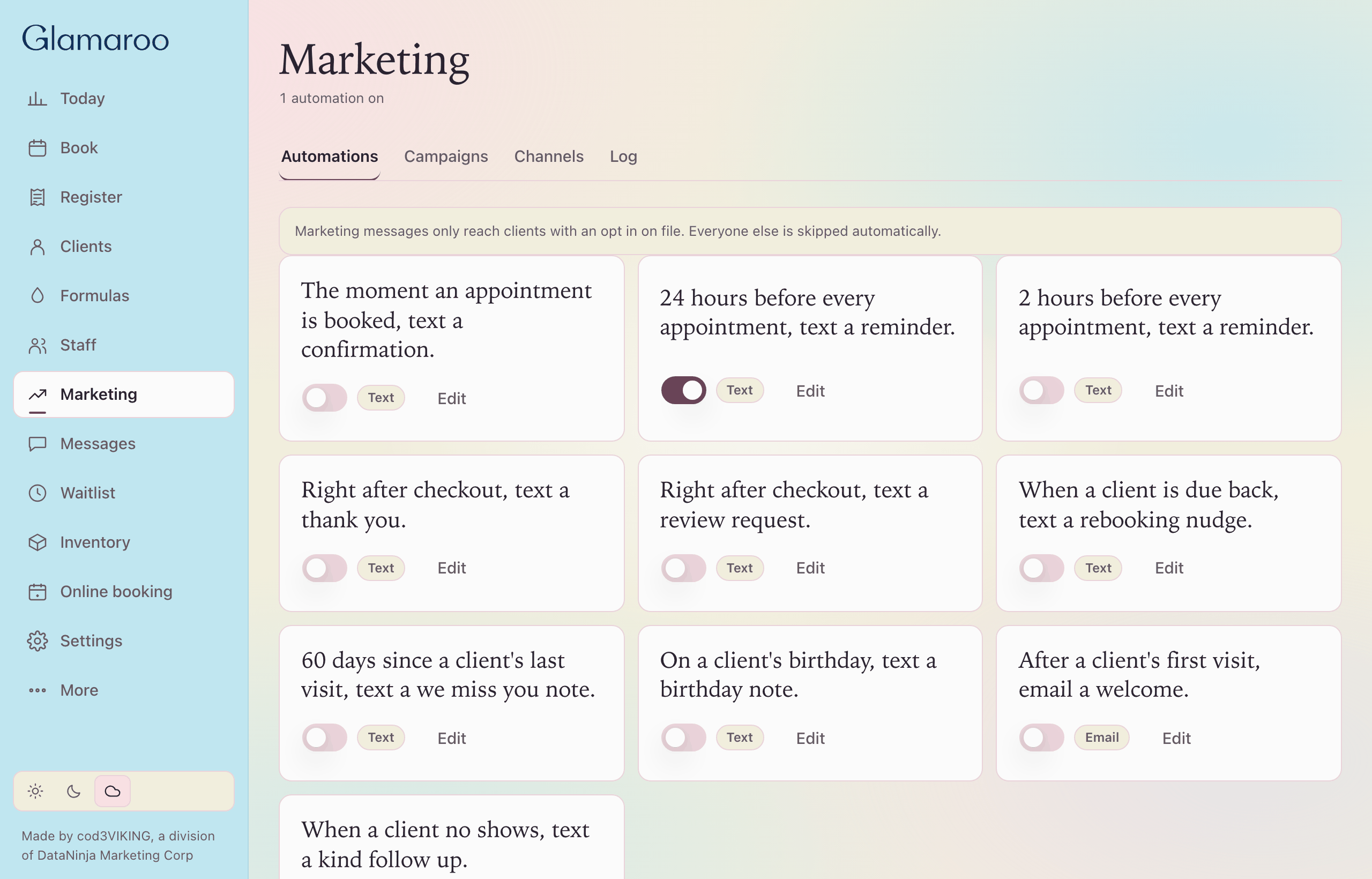
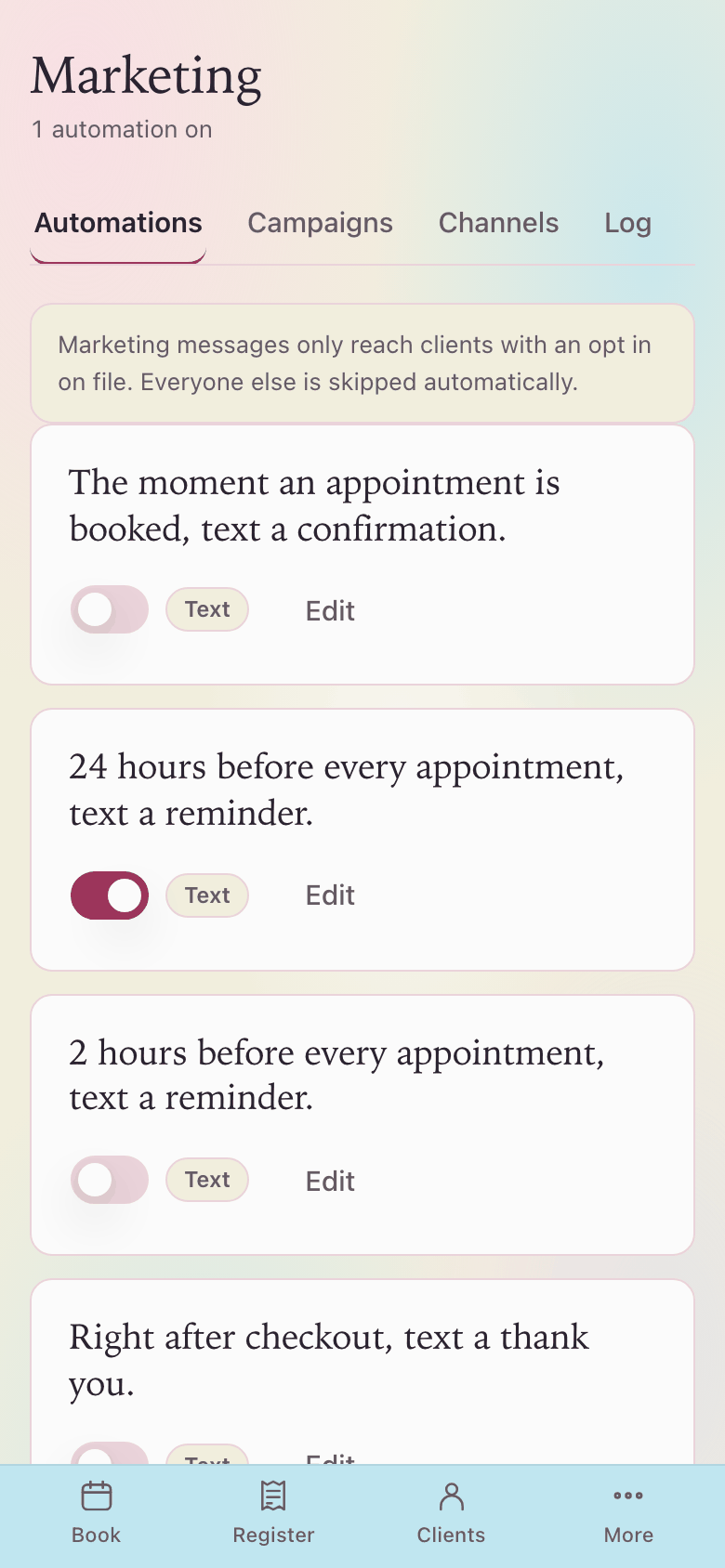
Sample salon.
THE DETAILS THAT MAKE THE DAY
A busy salon needs more than a calendar. Explore the working views behind the welcome, the appointment and the final checkout.
TODAY
See booked chair hours, open tickets and the day's activity together. Start with the pulse of the salon, then move into the Book or register for the detail.
booked todayopen tickets
STAFF
Keep staff profiles, regular weekly availability and today's appointments together. Set working days and hours, with active status and role access that suit the team.
weekly availabilitystaff profiles
WAITLIST
Match a cancellation to suitable clients on the waitlist. When cancellation outreach is enabled, invite eligible clients once for that opening and follow the request through to a confirmed booking.
See the cancellation workflow.
match requestsoffer status
INVENTORY
Browse retail products and color stock, review quantities and see what has reached its low stock line. A dedicated reorder view brings the next shopping list into focus.
retail productscolor barreorder view
SETTINGS
Manage salon details and opening hours, review staff access and choose your payment setup. Keep the practical choices together so the working day has a clear foundation.
salon hoursstaff accesspayment setup
SEE IT TOGETHER
Walk through a full visit, a sudden opening and a day close using sample salon data. Confirm the setup and connected services your team will need before going live.
Book your walkthroughYOUR NEXT STEP
Bring a color appointment, a checkout question and the workflow your current system makes difficult. We will walk through them together.
Compare salon software thoughtfully