
01 · YOUR SETTINGS
Decide how it works.
Turn on cancellation outreach when your salon is ready. Review the message, channel and connected messaging setup before activation.
MARKETING
Appointment reminders, thoughtful follow ups and a next step for cancellations. Plan the messages around your salon day so the front desk can spend more time with the guest in front of them.
Choose the timing, message and channel together. Give the team a consistent way to follow up, without rewriting the same note between every arrival.
24 hours before every appointment, text a reminder
A confirmation when a visit is booked. A thank you after checkout. A nudge when a client is due back.
automations campaigns consent channels
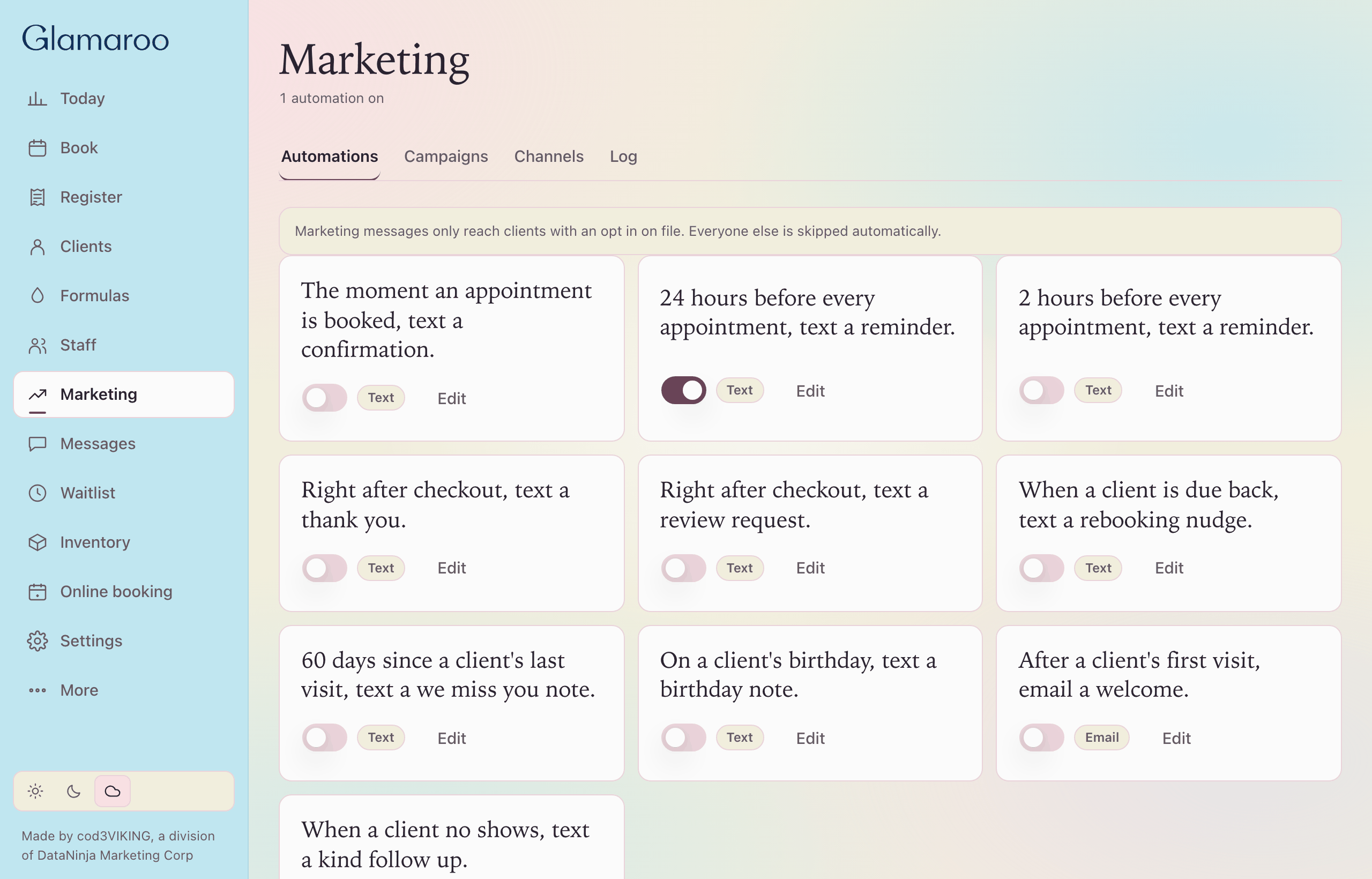
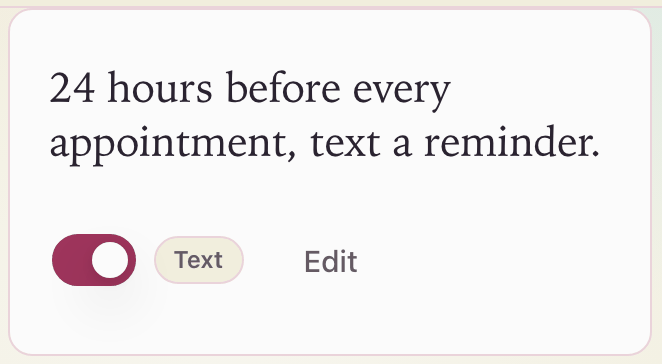
Sample salon.
A campaign sends one message to a group you choose. Birthday week. Win back for guests who have not been in.
Consent stays on file. A message only reaches clients with an opt in. Everyone else is skipped.
Text and email. Every automation and campaign is set to one.
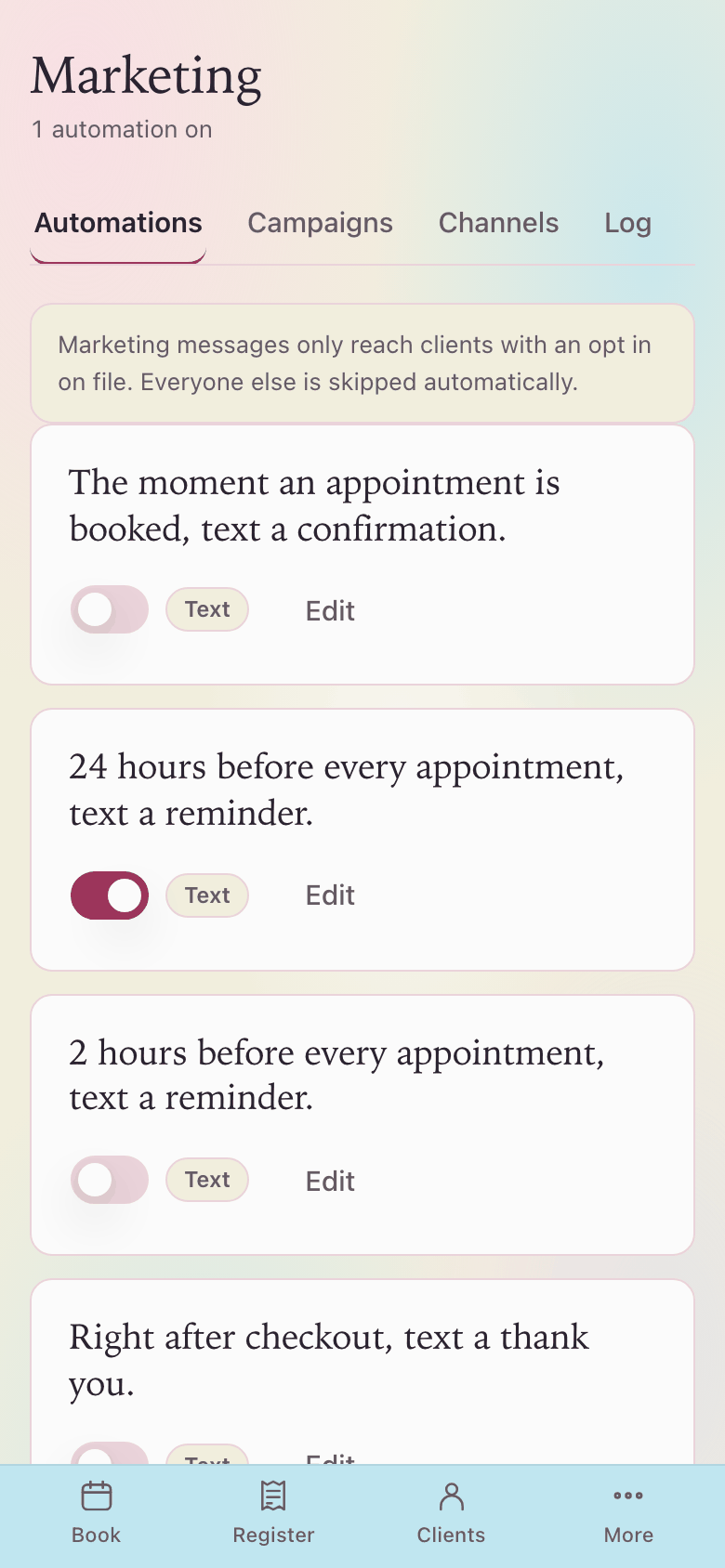
Sample salon.
CANCELLATION WAITLIST
A cancellation does not have to become a round of phone calls. Set up automatic outreach to suitable clients on your waitlist, then keep the offer and booking status in view.
01 · YOUR SETTINGS
Turn on cancellation outreach when your salon is ready. Review the message, channel and connected messaging setup before activation.
02 · THE RIGHT FIT
Match the opening to the service, stylist and time window requested on the waitlist. Only clients with consent for the chosen channel are eligible for outreach.
03 · ONE CLEAR INVITATION
With outreach enabled, a cancellation can trigger an invitation automatically. A record of each offer prevents the same client receiving that invitation again for the same opening.
04 · CONFIRM THE VISIT
The opening stays an offer until the booking is confirmed. Availability is checked again before the visit is added, so the desk can see what is still waiting and what is booked.
Explore the cancellation workflow with sample clients in your demo. Your salon's outreach settings and messaging connection are reviewed before live sending is enabled.